Members, invites and roles
How to bring people in, decide on join requests and hand out responsibilities.
Invite people
Via Invite people (sidebar menu, or Admin → Members):
- Invite someone directly: search by name.
- Invite by email: up to 50 addresses at once, with a personal note. Invites are valid for 14 days.
- Generate invite link: with expiry (never, 1, 7 or 30 days) and a label, optionally as a QR code.
The main way into a community is still check-in at an event.
Who can join
Under Admin → Public visibility → Page settings:
- Who can join: "Request to join", "Open" or "Invite only".
- Join requirements: verified email, email, display name, profile picture, and your own questions (one per line,
*for required). In an open community, requests that meet everything are accepted automatically. - Member contact details: whether you don't ask, ask if available, or require email and phone.
Join requests land under Unread → Needs your approval and under Admin → Invites.
Manage members
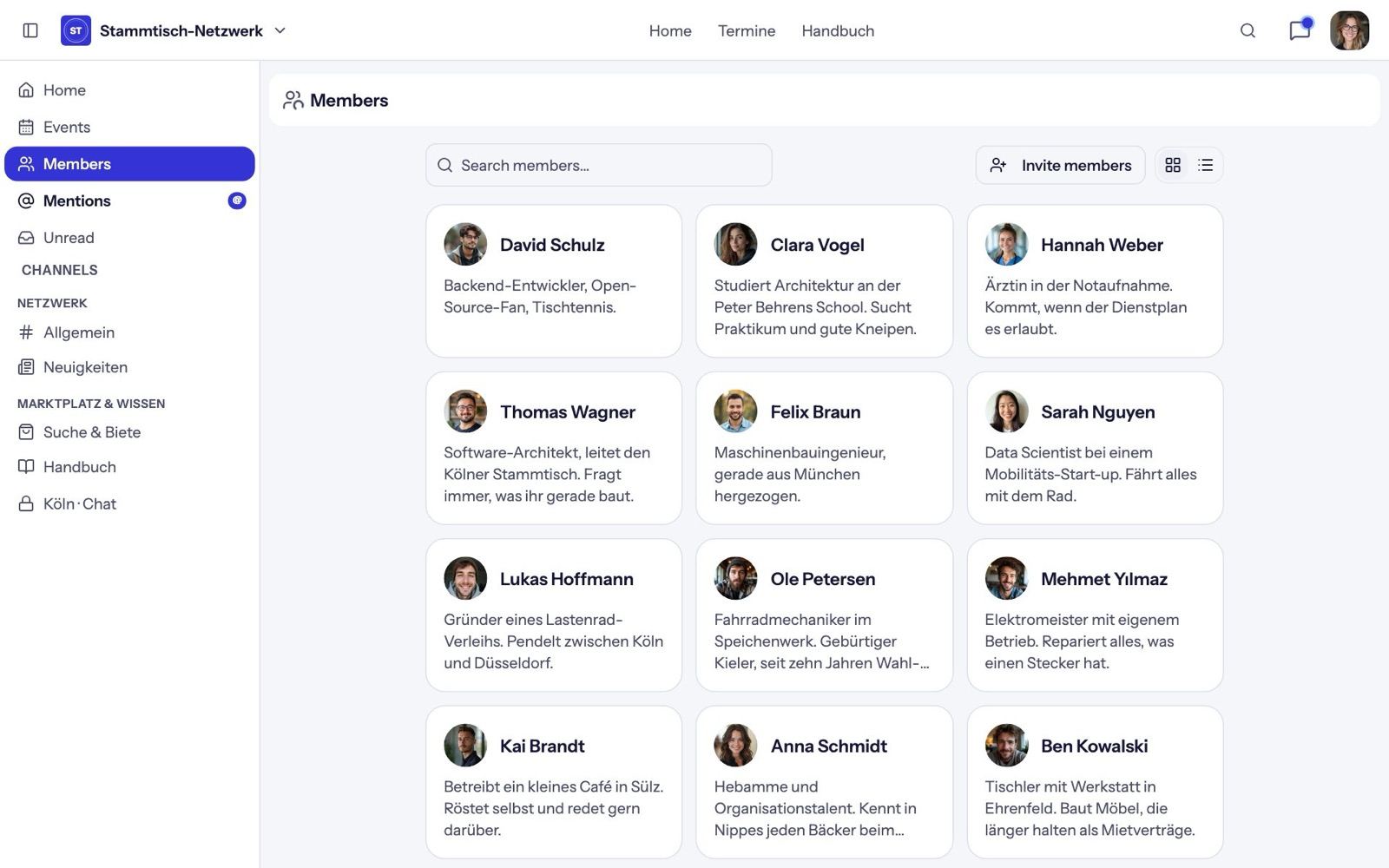
Under Admin → Members you search members and open the actions with Manage: grant or remove roles, Remove (they can come back with an invite) or Ban. You also set:
- Member list visible to: all members or admins only,
- Members can message each other (direct messages on or off).
Roles
New communities have Admin and Moderator roles. Under Admin → Roles → New role you add more: name, scope (whole community or one group) and permissions. Higher roles manage lower ones.
Moderators can, among other things, delete messages, approve and pin posts, manage events and post in announcement spaces.
Moderation
- In chat, moderators delete messages from the message menu.
- In moderated spaces, posts appear only after Approve. You can also Decline them or Hide them later.
- Every admin action is listed under Admin → Audit log.