Spaces and groups
Between events the community lives in its spaces. Groups bundle spaces, dates and people — for chapters in different cities, for example.
Create a space
Click the plus next to "Spaces" in the sidebar, or go to Admin → Spaces → New space. Choose a name, optionally a group, the type, who can see it, and a description.
| Type | For |
|---|---|
| Chat | Real-time conversation, like a group chat |
| Feed | Short posts with comments and polls |
| Articles | Long-form posts |
| List | Link board with voting |
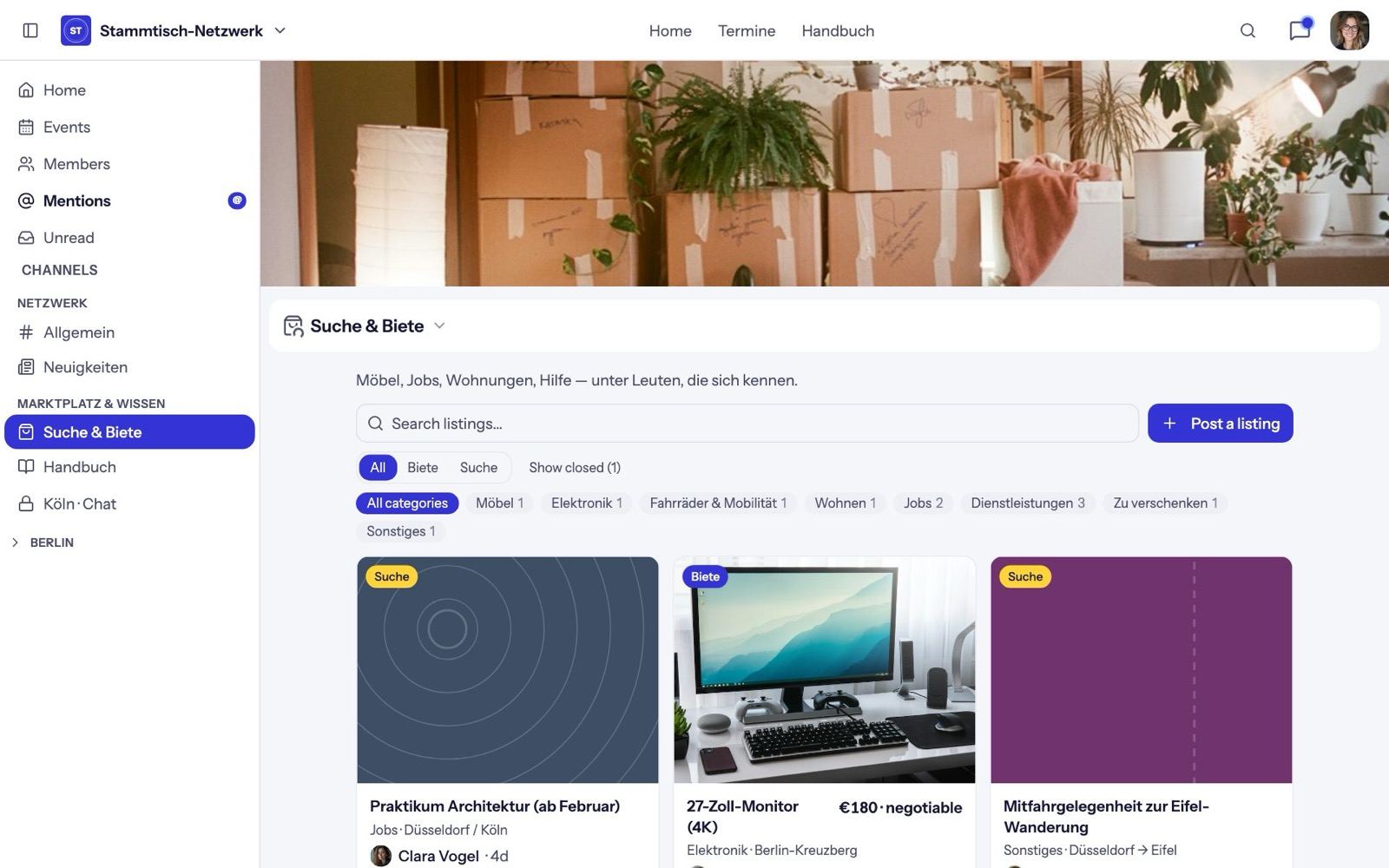
| Classifieds | Offers and requests with prices, photos and a contact button |
| Wiki | Pages members edit together |
| Events | Calendar with RSVPs |
| Page | A composed page, e.g. the home page |
In the demo network the classifieds space is called "Suche & Biete" and the wiki "Handbuch". You choose the names.
Who can see and post
- Access: "Members" (all members read), "Private" (one role only) or "Everyone" (public-page visitors read too; only members post). Chats can't be public.
- Posting: "Open", "Announcement" (certain roles only) or "Moderated" (posts appear after approval).
- Engagement: turn comments, reactions or voting on and off.
- Cover: for every type except chat.
You find these in the space's menu under Space settings.
Order and navigation
Under Admin → Spaces you sort spaces with the arrows, add categories and save with Save order. The same page edits the Top Navigation — the links in the header, each for everyone or members only.
Build the home page
Pages are built with Build page from sections: posts from other spaces (as hero, grid, list or feed), text blocks, a newsletter form, and events with a month calendar and map.
Groups
Create a group with New group (in the sidebar menu or under Admin → Groups), with name, description, image, location and tags. This creates:
- two roles, "{Name} Admin" and "{Name}"; you're the first group admin,
- optionally a calendar (events by group admins or all members) and a chat (for the group only, or for the whole community),
- optionally a public group page.
Group admins manage only their own group's spaces, dates, roles and members — ideal for chapters that run their own meetups.