Attending events
How to sign up for a meetup, find your ticket and get in on the night.
As a guest, without an account
On an event's public page you'll find the Sign up for this event box.
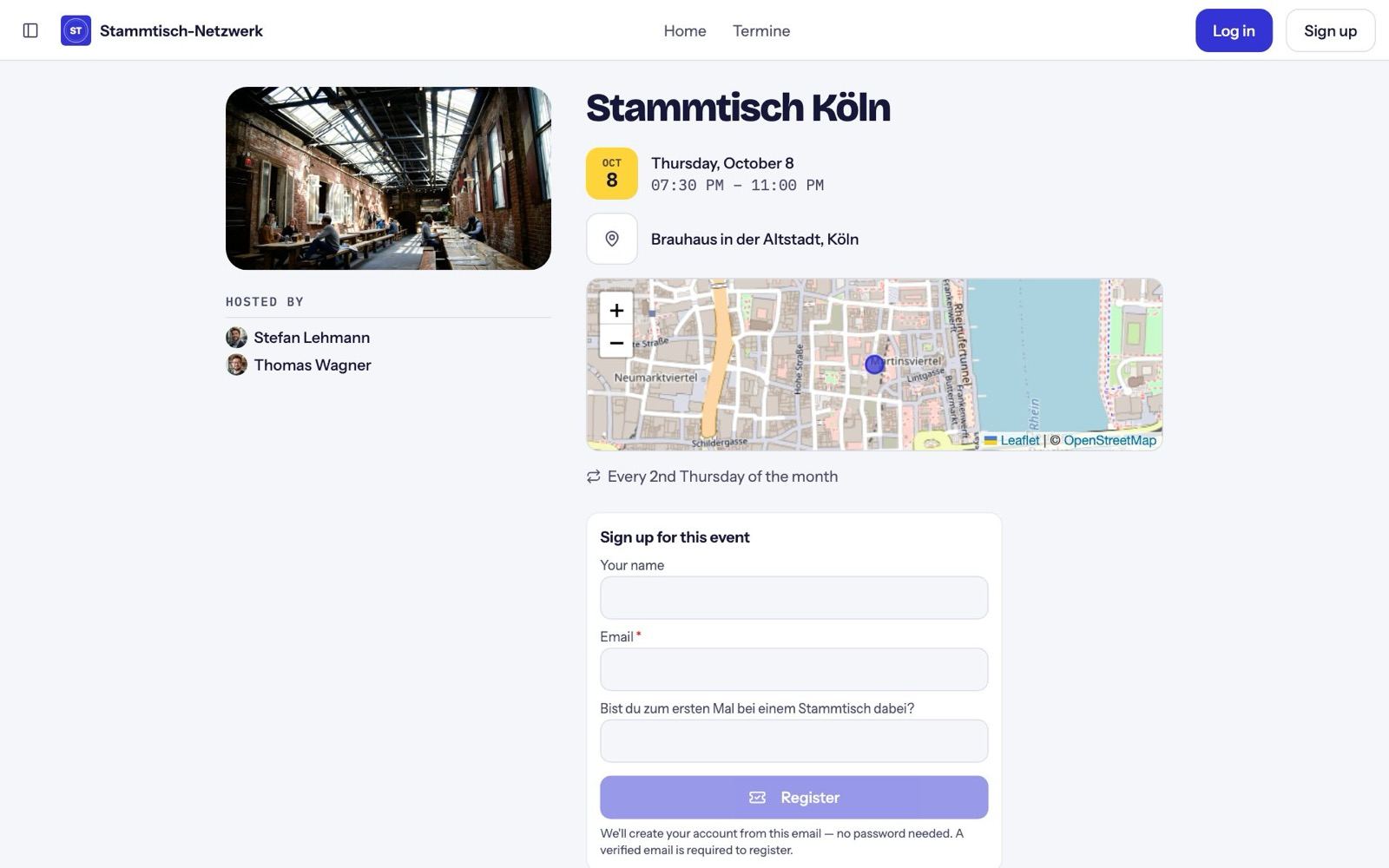
- Enter your name and email and answer the hosts' questions (those marked * are required).
- Tap Register.
- Confirm your email via the link in your inbox. Your sign-up then continues on its own.
- If the hosts approve sign-ups, you'll see that your sign-up is waiting for confirmation.
- Once you're in, you get an email with your ticket.
A Nori account is created for you along the way — no password.
As a member
Inside the community, every event has Going, Maybe and Can't. If the hosts ask questions, a short form opens. The community's home page also has an I'm going button for the next meetup.
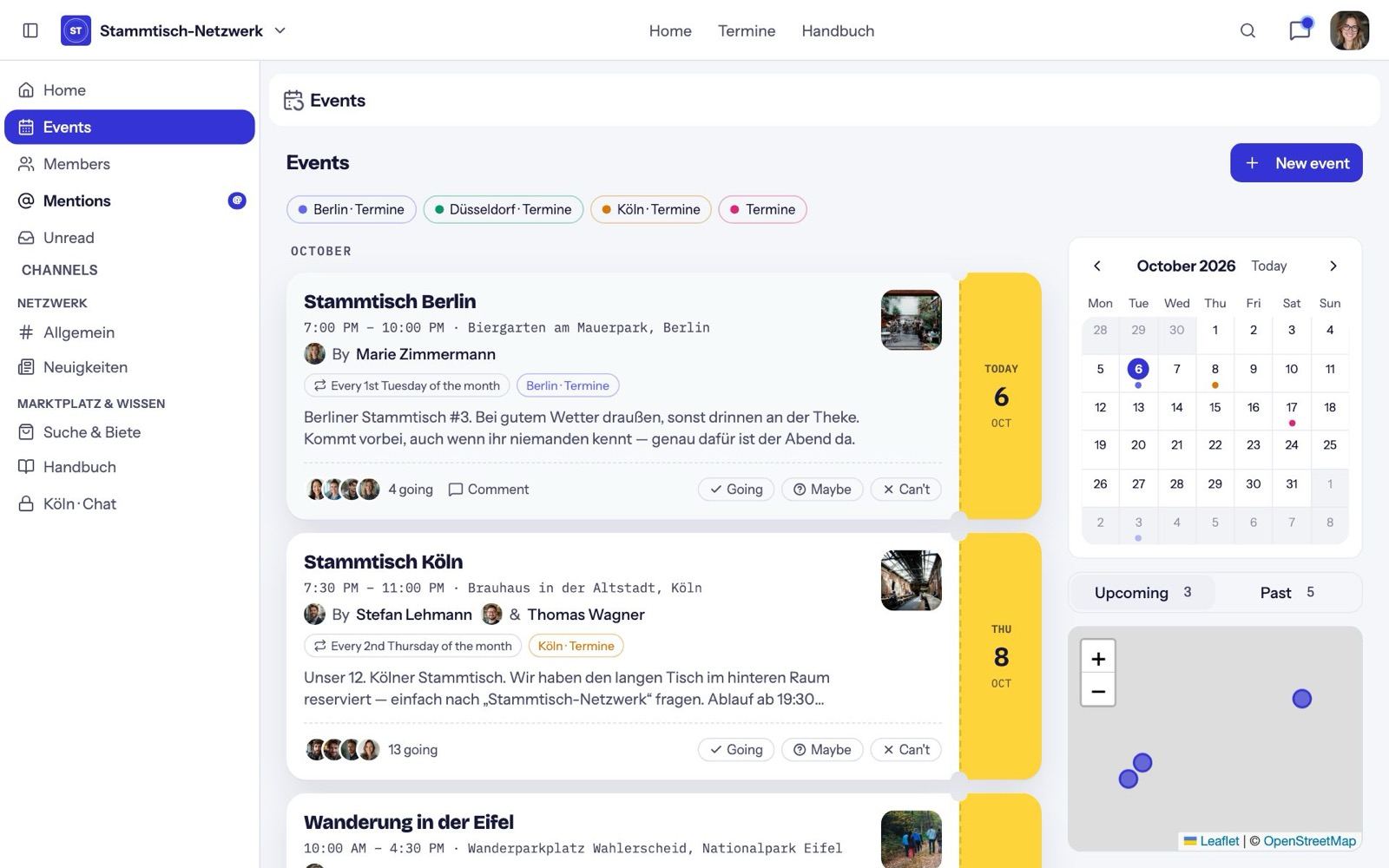
For a series, Follow series keeps you posted about new dates.
Your ticket
Your ticket is a QR code that only works for you and this event. You'll find it:
- in the confirmation email,
- on the event page under Show ticket.
On the night: check in
- Show your ticket at the door, or
- scan the venue QR on site and tap Check in.
Then you see a confirmation, there's a new stamp in your pass, and — if the hosts set it up that way — you're now a member of the community.
Afterwards
The next morning the event page shows the Recap: who else was there, with a button to message them, and the next date. If the hosts switched it on, the recap also arrives by email.