Profile and privacy
You have one profile for all communities. For every field you decide who can see it.
Edit your profile
Open the menu behind your profile picture and choose Edit profile, or click Profile in a community's sidebar.
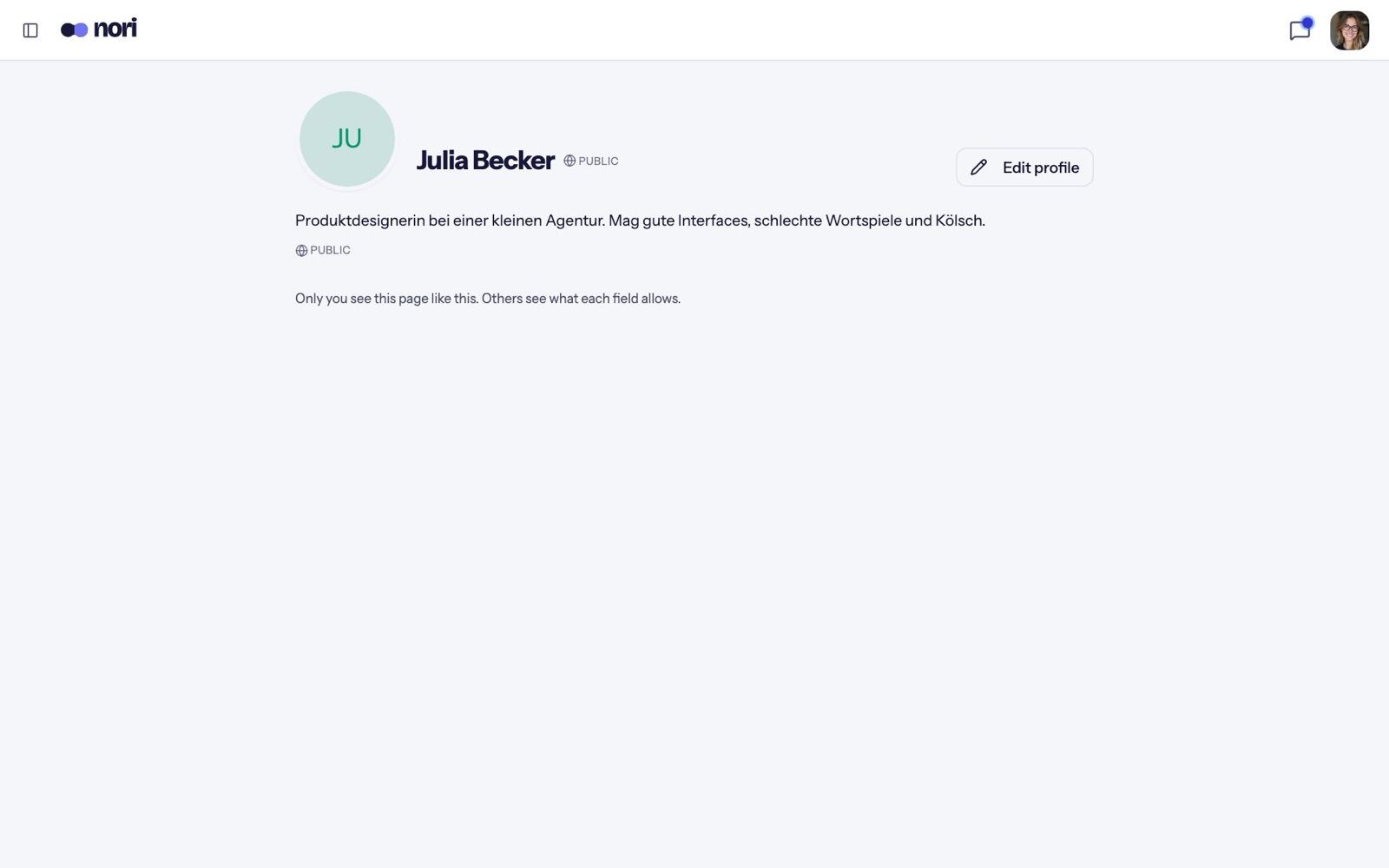
Who sees what
Every field has Who sees this?:
| Field | Possible audiences | Default |
|---|---|---|
| Name, photo | Members or Public | Members |
| About, location, website, links | Only me, Members or Public | Members |
| Looking for | Only me or Members | Members |
| Email, phone | Admins or Members | Admins |
"Members" means the members of the communities you're in.
What becomes public
Only what you set to public is public. One exception: when you do something public — write a public comment, or appear on a public event's guest list — your name and picture become public too, and stay that way.
What admins see
- Your contact details, if the community asks for them. Some communities require an email or phone number; then you'll see a note that the community needs your contact details.
- Hosts see the name and email of guests who sign up for their events.
- Moderators don't see contact details.
In some communities the member list is visible to admins only. Other members then see only your name and picture.
Your stamps
Your profile page in a community lists every event you checked in at under Stamps. On other members' pages you see "You were there too" when you were at the same meetup. Only members see stamps.