Guests, sign-ups and tickets
On an event's manage page you approve sign-ups, ask guests questions and message everyone who's coming.
The manage page
Open the event and click Manage. You'll find the tabs Overview, Guests, Registration, Emails, Insights and More.
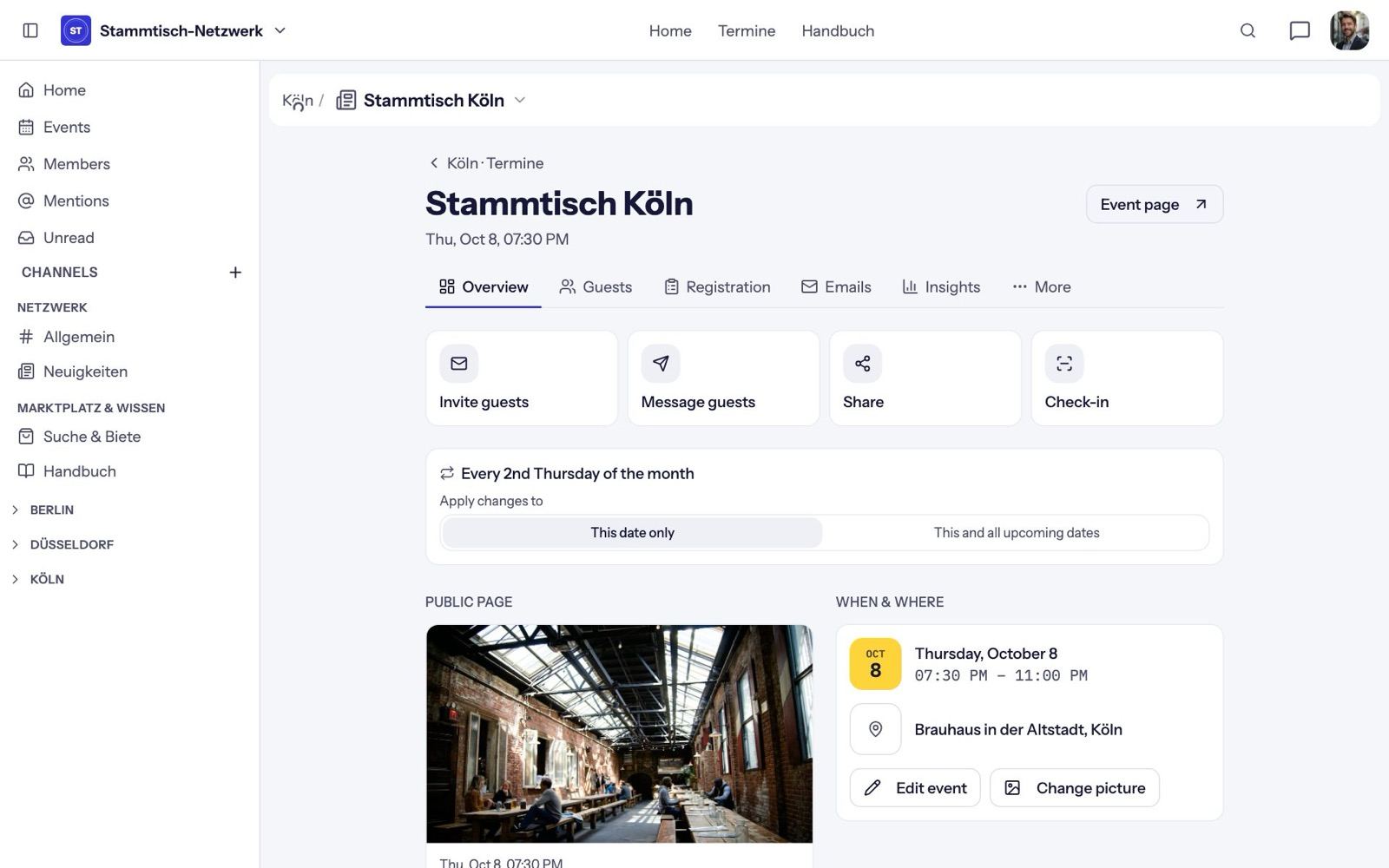
The Overview has the main actions: Invite guests (by email, with a personal note), Message guests, Share and Check-in. Below it you see whether location, picture or description are missing, and under Hosted by you can add up to ten co-hosts from your community. Co-hosts can edit the event and approve sign-ups.
Sign-up settings
In the Registration tab:
- Approve sign-ups: members need your approval.
- Guests without membership: people who aren't members can sign up too.
- Guest admission: "Host approval" or "Instant".
- Sign-up questions: up to five, each optional or required. Save with Save questions.
- Guest list visible to: "Everyone in the channel", "Attendees only" or "Hosts only".
- Comments: from everyone or hosts only.
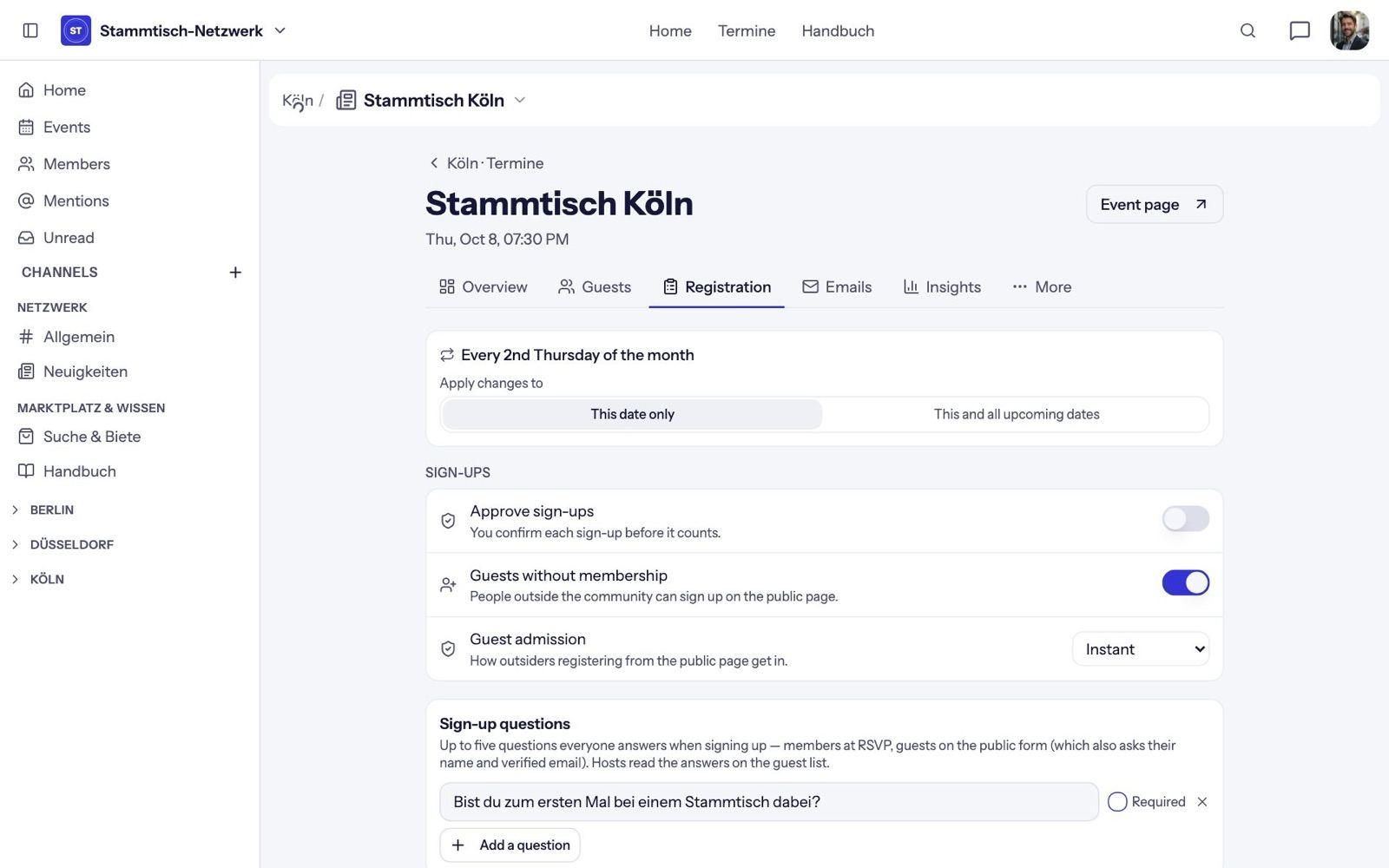
Guests always give their name and a verified email address.
Approve sign-ups
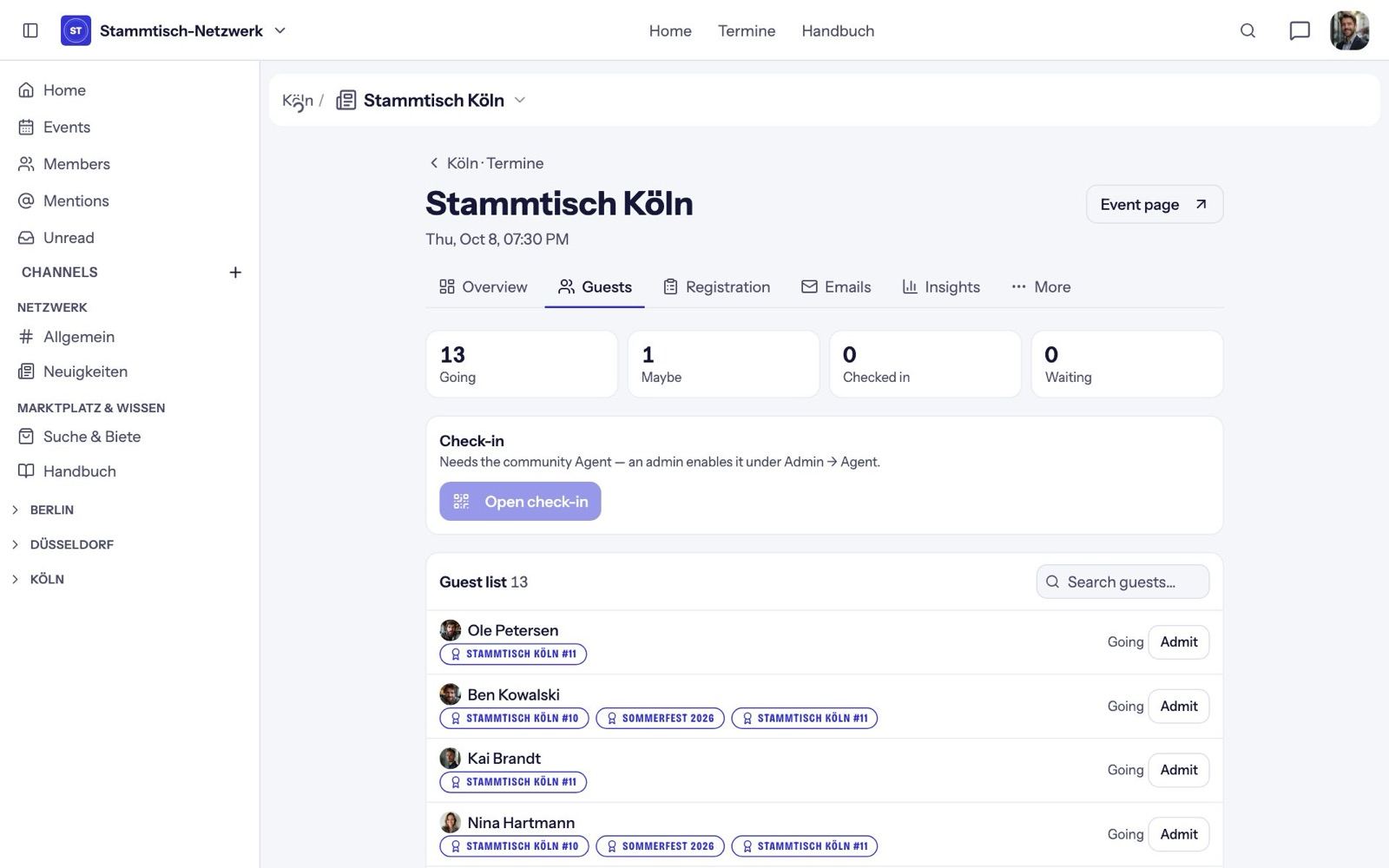
The Guests tab shows the numbers at the top: Going, Maybe, Checked in and Waiting. Pending sign-ups show name, email and answers, with Approve and Decline. You also find all pending sign-ups under Unread → Needs your approval.
Tickets
As soon as a sign-up is approved, the guest gets a ticket: a QR code that only works for that person and that event. It's in the confirmation email and on the event page under Show ticket. After check-in, the ticket carries a "Checked in" stamp.
Message your guests
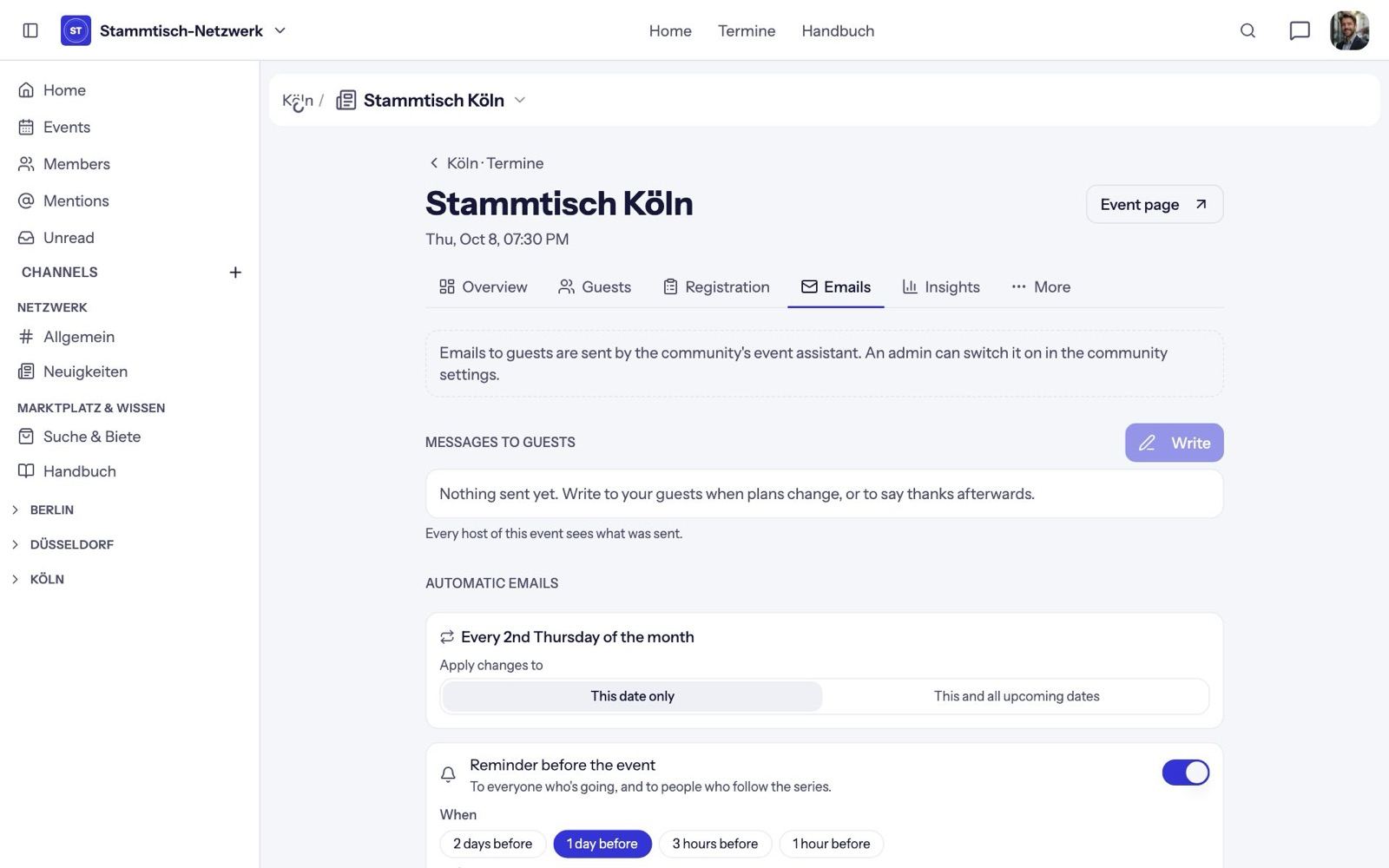
In the Emails tab, click Write:
- To: Everyone, Going, Maybe or Can't go.
- Templates: Change of plans, Reminder, Thank you.
- Subject (up to 120 characters) and text (up to 4000), with Preview before sending.
The message goes out by email and also shows on each guest's event page. All hosts see what has been sent.
Automatic emails
Also in the Emails tab:
- Reminder before the event: 2 days, 1 day (default), 3 hours or 1 hour before — up to two — with an optional note from you.
- Recap the morning after: at 9 am the next day, also with an optional note.
Show preview shows exactly what arrives.