Inside a community
A tour of everything you find in a community as a member.
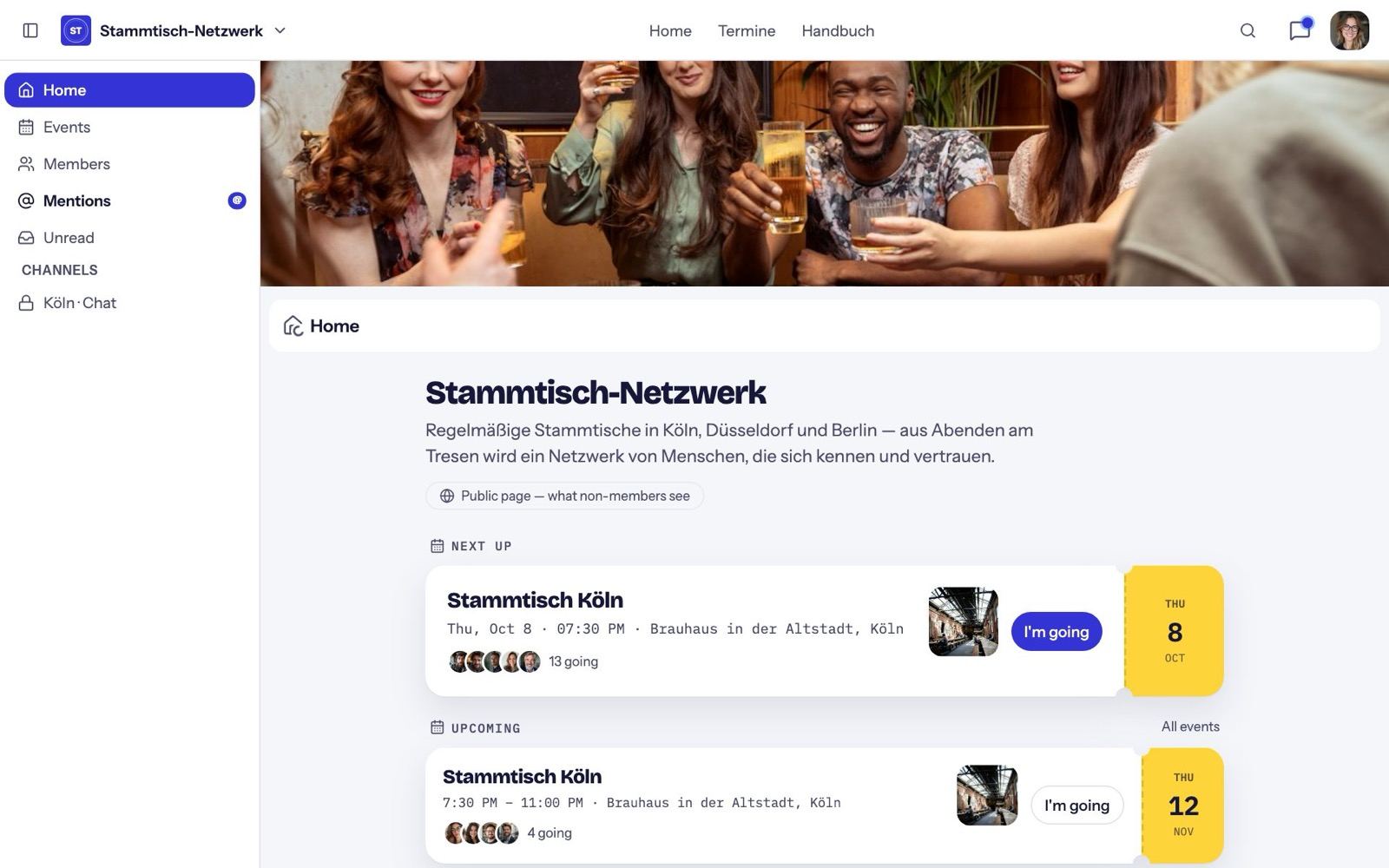
The sidebar
- Home: the start page with the next meetup and news.
- Events: all dates as a list, month calendar and map.
- Members: the directory (if it's visible to you).
- Mentions: where someone @mentioned you.
- Unread: everything new from all spaces. Mark all read tidies up.
- Below that, the community's spaces and groups.
Chat
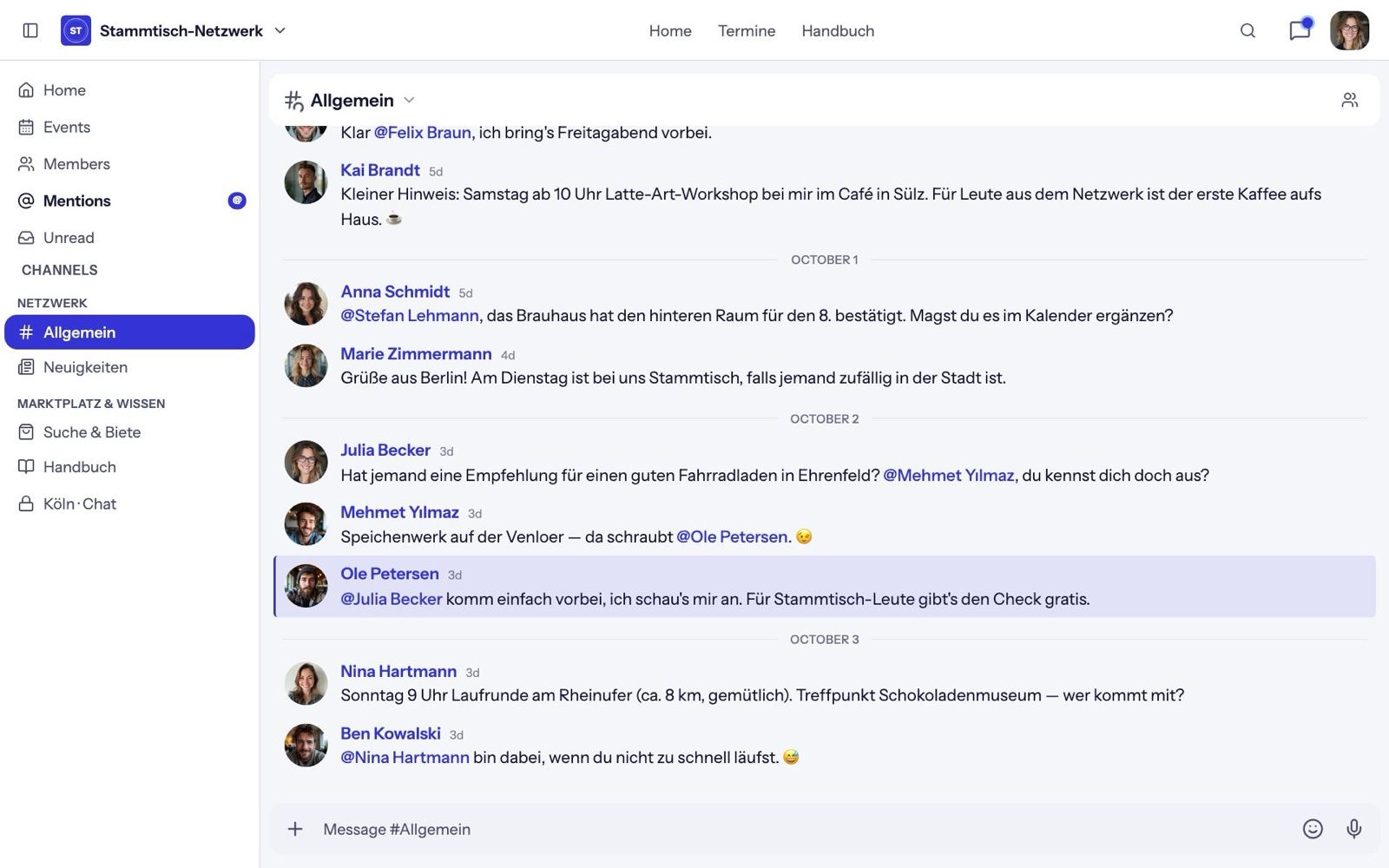
- Reply opens a thread, Quote replies inline.
- Add reaction for an emoji.
- Use @ to mention someone.
- You can edit and delete your own messages.
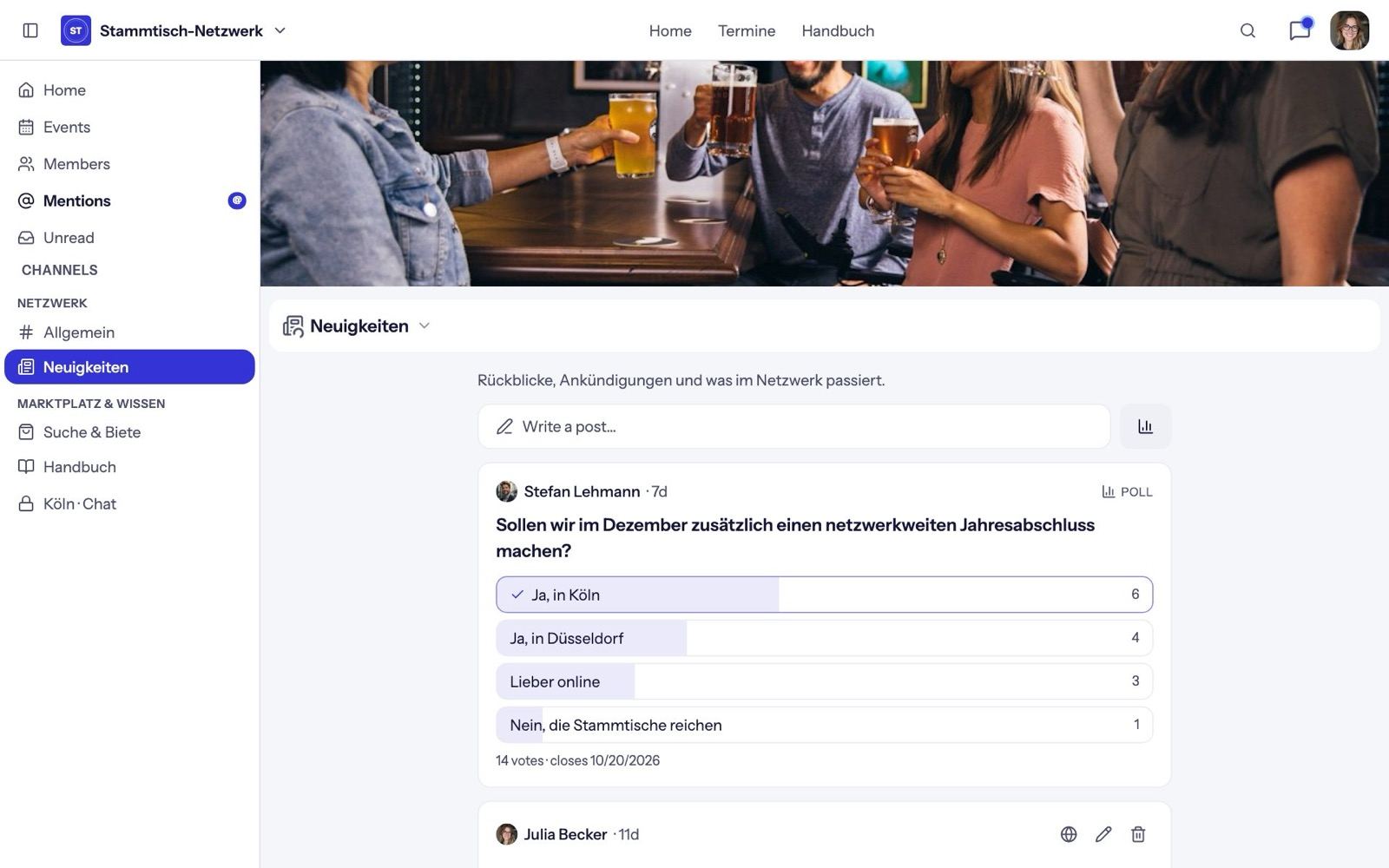
Feed and polls
In a feed, post with Write a post… and comment under posts. Start a poll asks the community. In moderated spaces, posts appear after approval.
Classifieds
- Tap Post a listing.
- Choose offer or request, add up to eight photos (the first is the cover), and enter title, category and optionally a location.
- Pick the price type: fixed, negotiable, free or on request.
- Optionally allow public questions on the listing.
Interested members message you directly from the listing. When something's gone, mark it sold or found; Reopen brings it back.
Wiki
In a wiki, New page creates texts every member can edit. Page history shows earlier versions.
Members and direct messages
The member directory finds people by name and shows how often they came to meetups. A member's page shows what you two have in common under "You two" — the same meetups, for example.
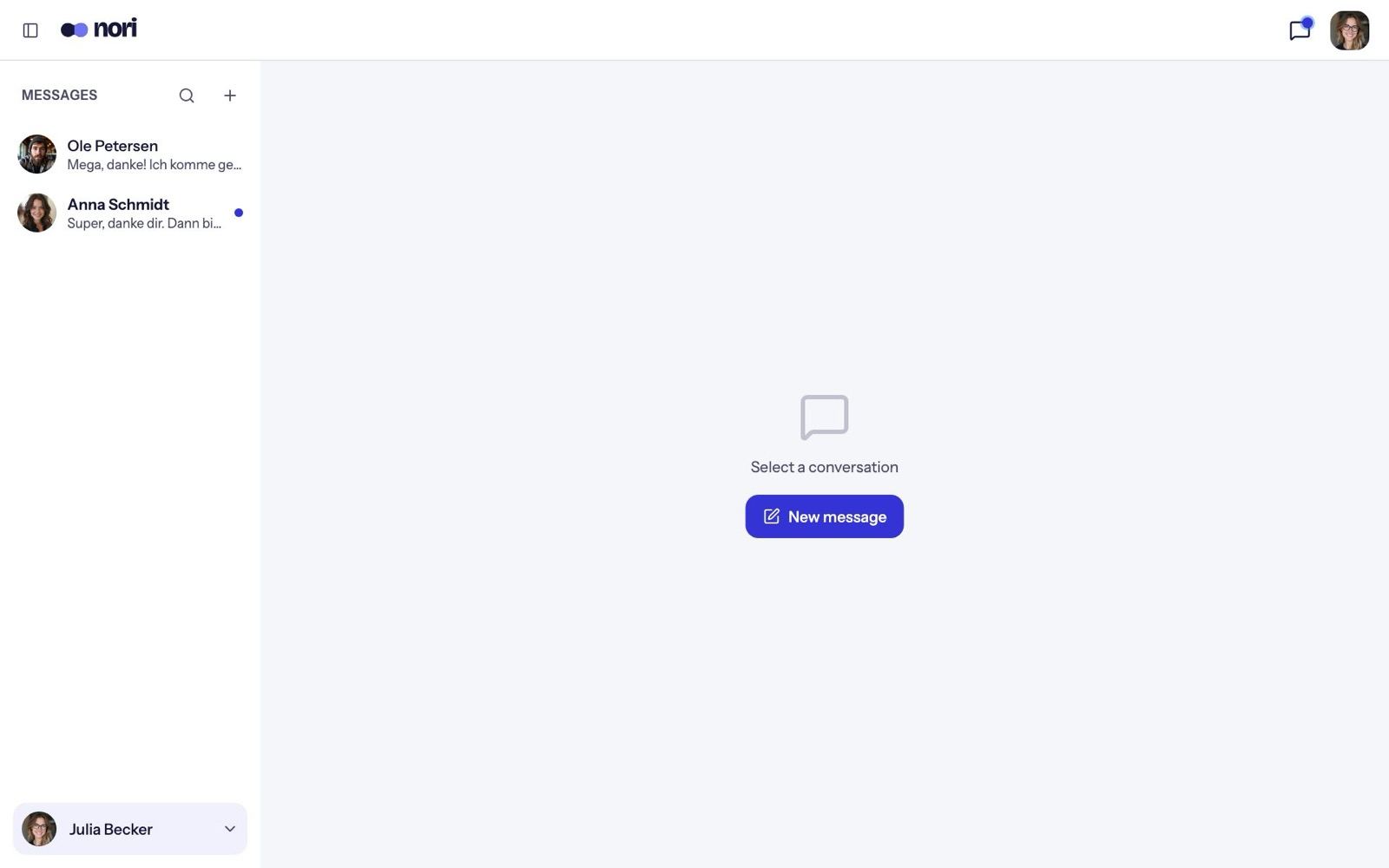
Message writes to someone directly. All conversations are in your direct messages; start a new one with the plus. Only people from your communities show up there.
Search
Search this community… searches everything already loaded on your device.
Leave a community
From the community menu: Leave community. Careful: there's no confirmation.