After the event
The morning after is when a meeting turns into a connection. Nori helps with a recap and stats for each date.
The recap
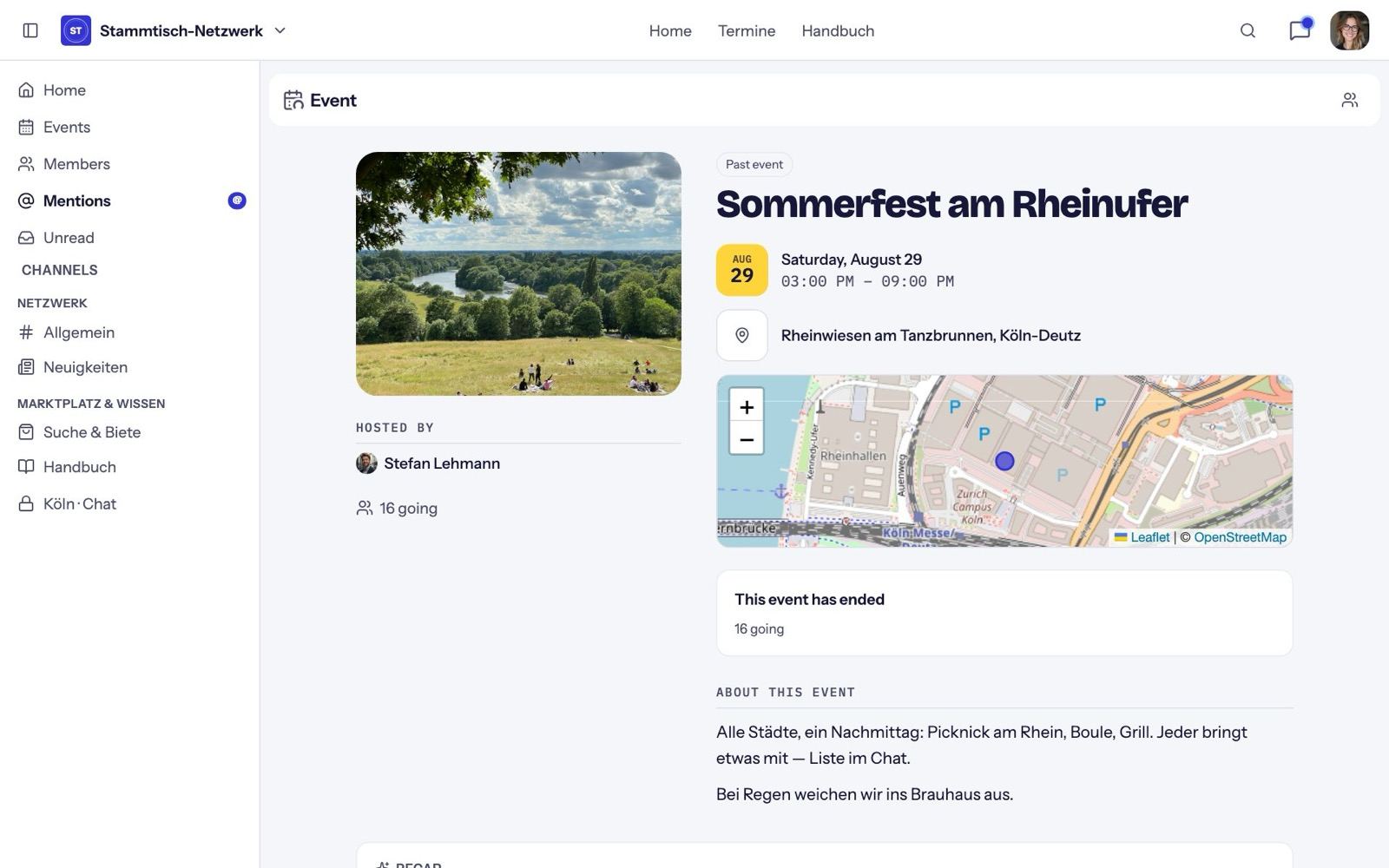
Once an event is over, the event page shows the Recap:
- Hosts see "{n} people came to your event", everyone else "You were there with {n} other people".
- Each person has a button to message them directly.
- Next shows the series' next date or the community's next event, with one-tap RSVP.
The recap email
If you've switched on Recap the morning after (Manage → Emails), everyone who checked in gets an email at 9 am: who else was there (up to six names), your note, and the next date.
Insights
Only hosts see the Insights tab:
- members and guests going,
- checked in (or "Check-in not open"),
- no-shows (after the event, if check-in was used),
- first-timers vs. regulars,
- how many profiles are complete.
Ideas for afterwards
- Post a short recap in the feed and @mention people.
- Ask new members to complete their profile. Nori reminds them once after their first check-in.
- Set the next date, if it isn't fixed yet.